Scouting with dynamic tagging
Record actions, starting points, interventions and outcomes. Use tags and your method’s criteria to review each action.
From individual development to planning, from monitoring to evidence. Connect training, scouting, and assessment to understand the goalkeeper better and guide the next step in your coaching method.
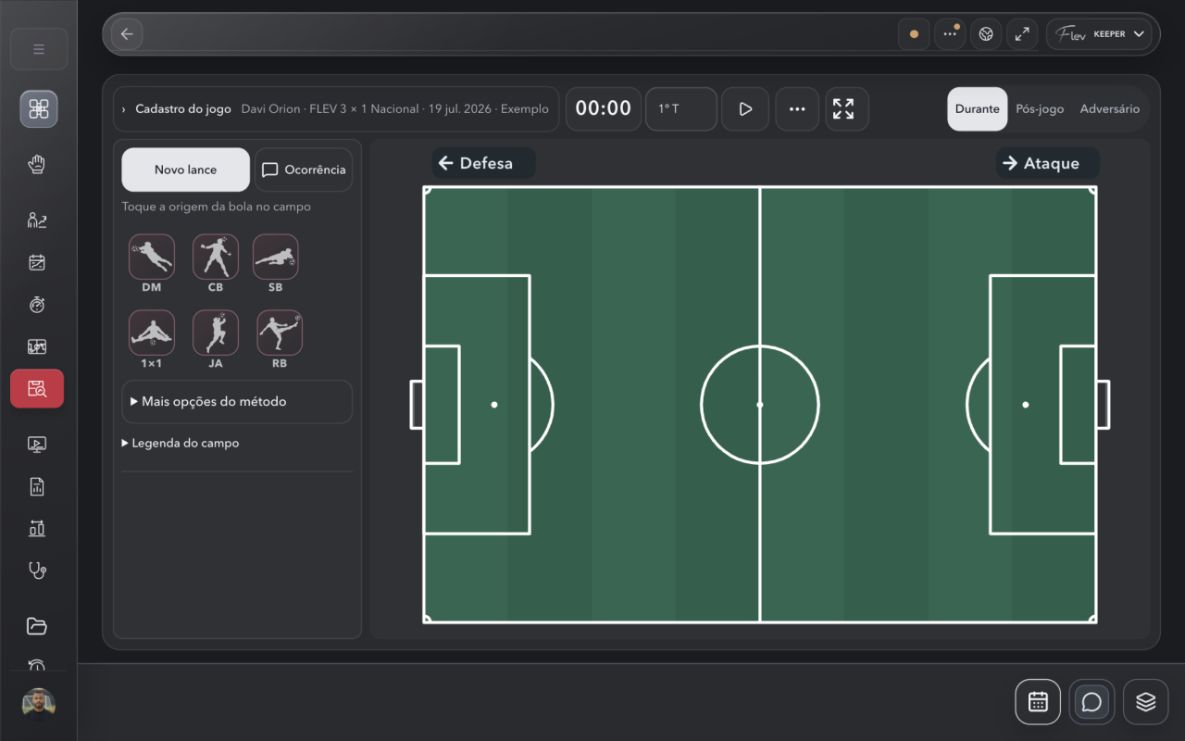
Record actions, starting points, interventions and outcomes. Use tags and your method’s criteria to review each action.
Organize the week, draw the exercises and follow completed work. Keep training connected to its objective.
Adjust names, criteria, and weights. Set priorities in the individual development plan, turn them into training plans, and use monitoring to follow progress and reassess the goalkeeper.
Connect actions, assessments, and history. Prepare the report, review the PDF, and bring evidence to the conversation about the next session.
From the home screen to everyday follow-up, explore the screens behind your work. Select one to see the details.
 FLEV KEEPERSelect a screen to enlarge it.
A responsive web interface to access and organize your work on computers, tablets, and phones.
Browser access on compatible devices, including iPhone, iPad, and Android. The experience may vary by device, browser, and feature.
See the software in use: information enters the athlete’s context, connects with the work and returns to the field as informed follow-up.
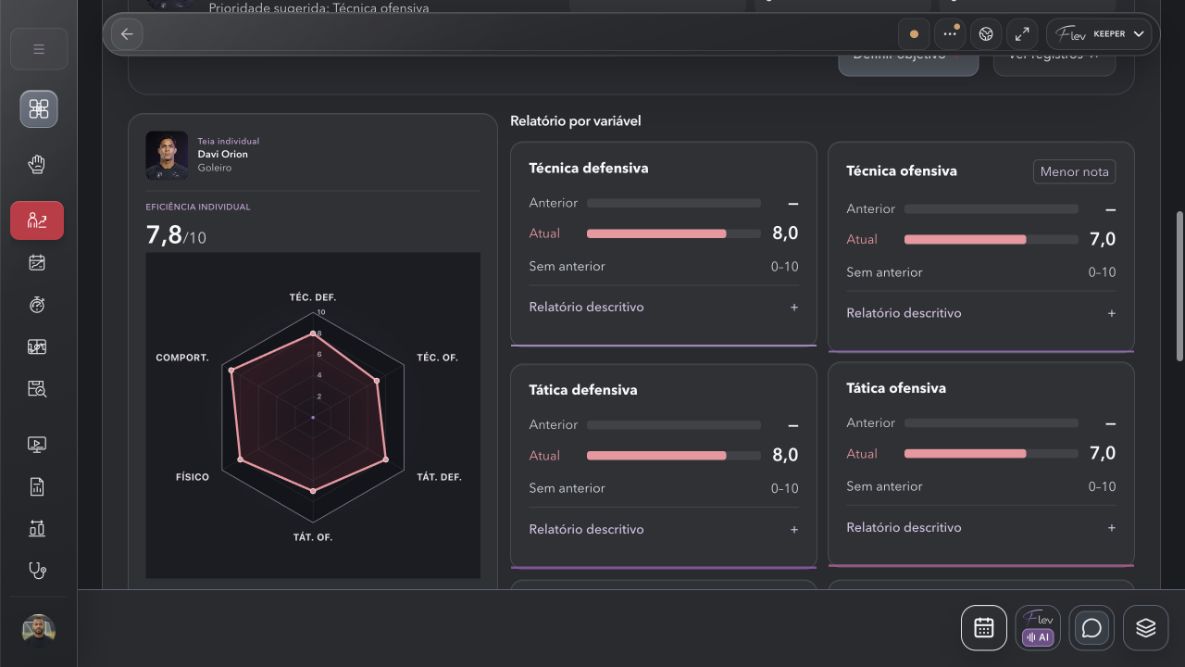
Open the profile, explore the history and review the records that help you understand each person’s current situation.
A cycle that starts with the goalkeeper’s development needs and brings more context back to training.
Set priorities in the individual development plan, organize training, and record what was completed. Connect assessment with the next decisions in your coaching method.
Bring actions, assessments, and history together to build a fuller picture of the goalkeeper. Prepare reports, review the PDF pages, and share your analysis with the people involved in the decision.
Tag actions, context, and outcomes, and link video time references to support review. The video editor and tagging tools are in development, as part of the concept of connecting editing, assessment, and coaching method.
The same approach can support assessments of goalkeepers outside your squad and potential signings. Start with available, authorized, and compatible records and external data, adding the professional’s interpretation.
You know the field, the group and the goals. Personalize the available presentation, terminology and criteria so FLEV makes sense in your daily work.
Goalkeeper coaches, assistants, and coaching coordinators • youth and professional football
Bring profiles, history and assessments together to follow each athlete’s development.
Organize objectives, weeks and sessions to connect training intentions with follow-up.
Players, equipment, drawings and training resources to give your ideas a place on the field.
Record what took place, follow attendance and training responses, and keep completed work connected to the plan.
Organise work appointments and notices in your account’s calendar.
Actions, context and your method’s criteria to observe the game and guide the review.
Connect objectives, assessments and reassessments to follow each athlete’s development over time.
Apply the available criteria from your method, record the assessment context and follow what needs to improve.
Import GPS files, check field and unit mapping, and review the records before using them in analysis.
Relate training, workload, assessment and history. Find evidence within the context of your records to support professional decisions.
Follow wellbeing information and history within each professional’s context and access.
Choose the period, audience and records to communicate development with greater clarity.
Connect actions and video references with your observations. Review the context before drawing conclusions.
Organise match context and consult records that support the game review.
Review recorded assessments and evidence to guide the development discussion.
Find profiles, training, scout and condition records in the goalkeeper archive.
View areas side by side to compare information, keep context in view and reduce switching between screens.
Use the available context, organise information and review suggestions and their sources. The professional remains in control.
In supported fields, enter observations by voice or text and review before applying.
Track confirmed and pending records. Cross-device and offline use must be validated for the chosen account and workflow.
Requires a professional account, a compatible provider, setup and explicit approval for each request. Ask about availability for your product.
Availability depends on the account and provider. Check document destinations and upload confirmations in the workflow demonstrated for your product.
Adjust colours, reading size and density with the available controls. In supported modules, adapt criteria and templates to your work.
The concept: tag actions, organize clips, and connect video with assessment, bringing analysis closer to your coaching method.
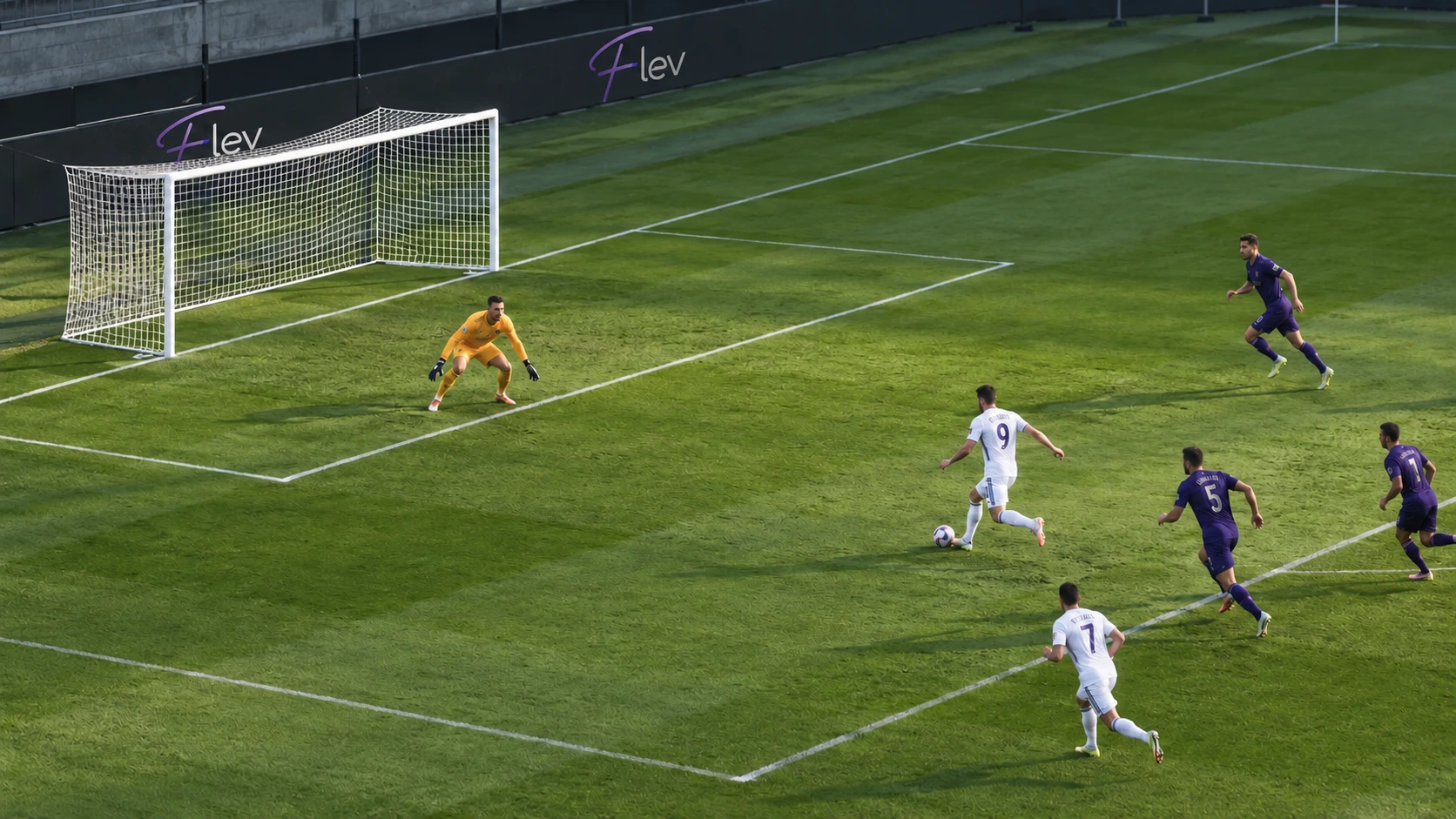 Positioning
Illustrative image. The final feature presentation will be shown in the demo.
Internal intelligence helps locate records, reuse information and structure your work. External services can extend the analysis when configured and authorized.
Numbers support the professional’s judgment and the human relationship with the athlete.Talk to FLEV about file imports and potential integrations with the cloud services and APIs your organization uses.
Ask about integrationsAvailability on request. Each connection requires compatibility, configuration, authorization, and validation before use.Explore each product’s purpose through the FLEV films and see the interfaces in use.
Português · EnglishFLEV grew out of Leonardo Martins’s experience in football and the need to make daily work clearer, more connected and more human. The idea is simple: use technology to organize what matters and bring attention back to the athlete.
“Less screen time. More time for the athlete.”Leonardo Martins • FLEV
KEEPER supports specialist goalkeeping work. PRO connects multidisciplinary club and staff workflows. FEM is dedicated to women’s football. SCHOOL organizes daily work for football schools, teachers, students and families.
You can personalize workspace presentation and terminology. In KEEPER scouting, names, criteria and weights can be adjusted, with versions that preserve historical context. In the demo, we will show you the options available in each product.
Artificial intelligence supports searching, organizing and interpreting records. The professional reviews the context and remains responsible for decisions. External services require configuration and authorization.
Import and mapping workflows are available for data and performance files. Compatibility depends on the file, its fields and its units. Bring an authorized sample to the demo so we can check the appropriate workflow.
FLEV FEM provides an experience dedicated to women’s football, with planning, development, performance and health. Wellbeing and cycle information is individual, consent-based and restricted to authorized access.
Request a demo and tell us which product interests you and how you work. PRO and FEM offer Enterprise service, with contracts arranged directly with FLEV. KEEPER and SCHOOL will be available on the App Store and Google Play in the future. Purchases are not yet available.
Start with your workflow: what needs to be recorded, who is involved and how information supports the next step. Explore the purpose of each product.
For goalkeeper coaches, assistants and coordinators, KEEPER connects session planning, the coaching board, scouting, technical assessment and individual development plans. Match observations become useful when they help review criteria, set priorities and prepare the next training session. The approach serves youth development and professional football while preserving each coach's method. Watch the film and enquire about a demonstration; sales through the App Store and Google Play are planned for a future stage.
Watch the presentation · FLEV KEEPERRequest a presentation and demonstration, or receive a launch notice. You can select either or both options.
This request does not create an account, grant product access or incur a charge.